
Theme SDK for Hekana stores
Build themes for Hekana stores
Sneferu is HTML with hk-* tags and a small template syntax. The CLI checks your theme, previews it with sample data and compiles it into one artifact a store can run safely.
npx sneferu init my-themeNeeds Node.js 20 or newer. npx downloads the CLI the first time; to keep it, run npm i -g sneferu.
Build with an AI agent
One Markdown file with what Sneferu is, the rules, the CLI and a prompt to fill in. Paste it into Claude Code, Codex, Cursor or Copilot before you ask for a theme.
Where to start
What a section looks like
This is the hero section every new theme starts with: a dark band with a large
heading, a sentence and a button. A section is one file: the markup first, then
an <hk-schema> that lists what the merchant can edit.
<hk-section background="theme:secondary" padding-y="96" mobile-padding-y="48">
  <hk-stack gap="16" align="start">
    <hk-heading text="{{ section.settings.title }}" level="h1" size="56" mobile-size="32" color="#FFFFFF" />
    <hk-text text="{{ section.settings.subtitle }}" size="20" color="#E5E7EB" />
    {% for block in section.blocks %}
      <hk-block of="{{ block }}" />
    {% endfor %}
    <hk-button label="{{ t('shop_now') }}" href="/products" />
  </hk-stack>
</hk-section>
<hk-schema>
  {
    "name": "Hero",
    "version": 1,
    "blocks": {
      "allowed": ["chip"],
      "max": 4
    },
    "settings": {
      "title": {
        "type": "text",
        "label": "Title",
        "default": "Hello",
        "maxLength": 80
      },
      "subtitle": {
        "type": "textarea",
        "label": "Subtitle",
        "default": "",
        "maxLength": 200
      }
    }
  }
</hk-schema>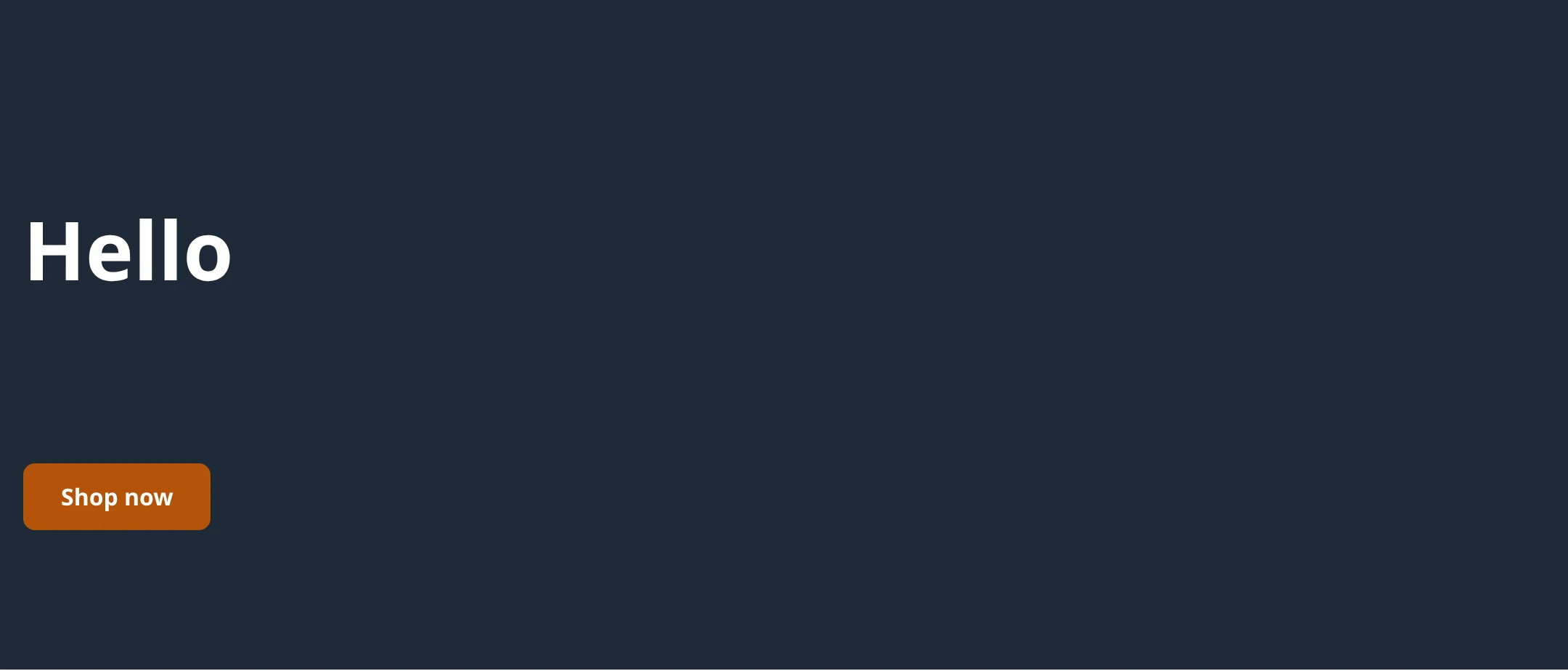
What each line does
- Line 1
<hk-section>is the band.background="theme:secondary"paints it with a colour from the theme'stheme.json.padding-y="96"is the space above and below the content; on phones it is 48. - Line 2
<hk-stack>puts everything inside it in a column, 16 px apart. - Line 3
<hk-heading>is the big title.{{ section.settings.title }}prints thetitlesetting: what the merchant typed, or the default. - Line 4
<hk-text>prints thesubtitlesetting. - Lines 5-7 draws any small labels the merchant added inside the hero (blocks). A new hero has none.
- Line 8
<hk-button>is a link drawn as a button.t('shop_now')takes its words from the theme's locale file. - Lines 11-34
<hk-schema>names the section and declares its settings:titleandsubtitle, each with a label and a default.
More complete sections, each with a picture: the Cookbook.
Quick start
Three commands take you from an empty folder to a theme on a store. You need
Node.js 20 or newer; npx downloads the CLI the first time.
1. Create a theme
npx sneferu init my-themeCopies the starter theme into a new folder, my-theme, and names the theme
after the folder. npm create sneferu my-theme does the same.
2. Preview it
npx sneferu dev ./my-theme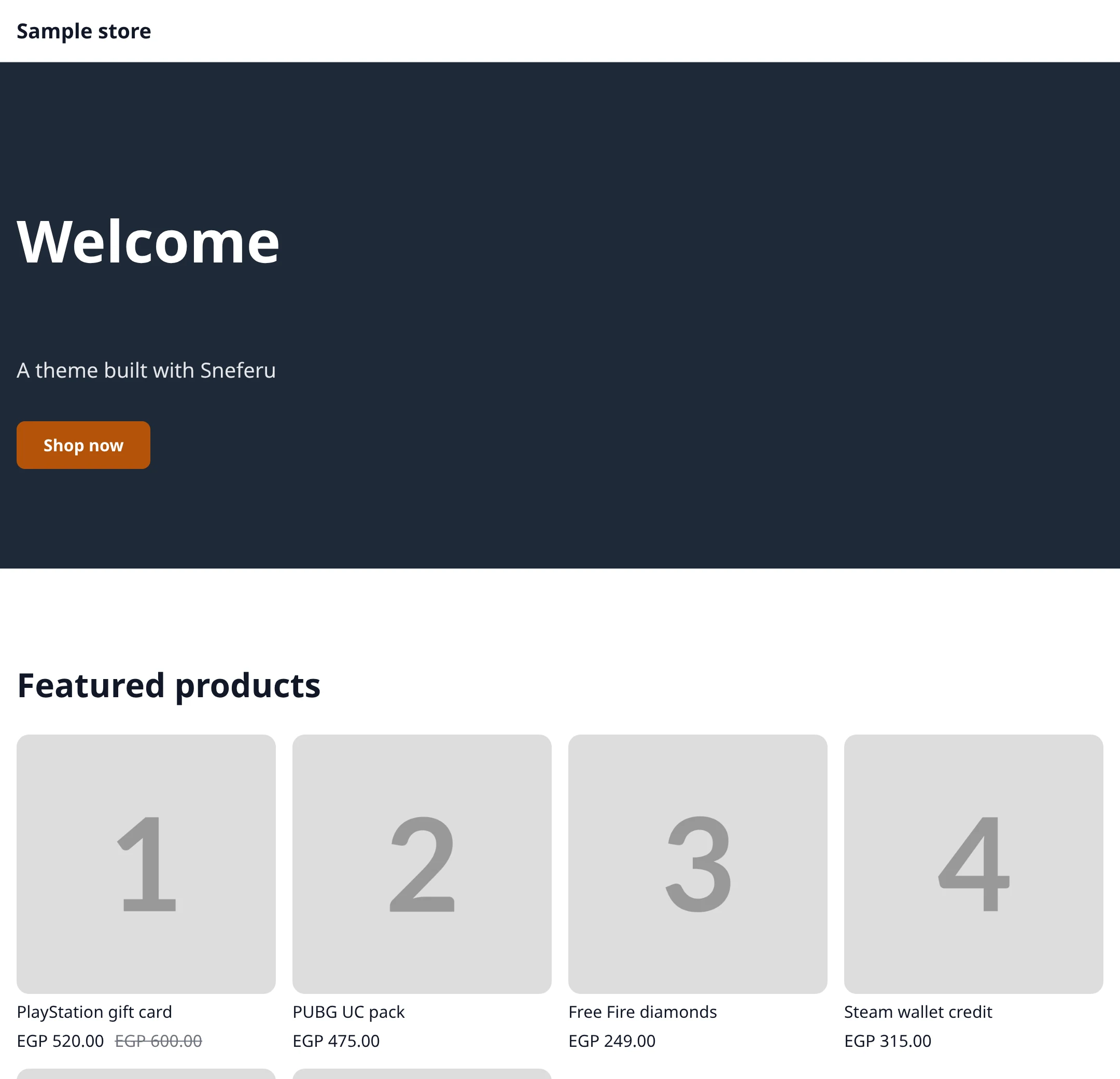
Open http://127.0.0.1:4100. The preview fills the theme with sample products
and reloads every time you save a file.
3. Push a version
npx sneferu push ./my-theme --package my-themeChecks the theme, compiles it and uploads it to Hekana as a new version. Sign in
first with npx sneferu login; any Hekana account can
get an API key. Add --dev-store to publish the
version on your free dev store. See Push and publish.
All docs
Get started
- Build your first themeInstall the CLI, then init, dev, validate and build.
- Theme structureEvery folder and file, theme.json and size limits.
- Format your themesneferu format, the Prettier plugin and VS Code format on save.
- Editor setup: VS CodeThe Sneferu extension: completion, diagnostics, preview.
- Build themes with AI agentsAGENTS.md, llms.txt and prompts for Claude Code, Codex, Cursor and Copilot.
Concepts
- Sections and blockshk-schema, field types, settings and repeatable blocks.
- Data and expressionsScope, lookups, filters, truthiness and loops.
- Security and limitsThe allow-list, URL rules and render budgets.
- Make everything editableWhere every word, link, image and colour of a theme comes from.
Store pages
- Page typesProduct, collection, search, cart, page and 404 templates.
- Header, footer and groupsShared sections the merchant edits once for the whole store.
- Menusmenu() and the menu setting: the store's navigation.
- Checkout brandingThe checkout is Hekana's; a theme only brands it.
- Cart and controllersVariant picker, add to cart and the cart drawer, with no theme JavaScript.
Styling
- Tokens and responsiveDesign tokens, theme CSS, breakpoints and right-to-left.
- CookbookAnnouncement bar, hero, feature row, product grid and plans, with pictures.
- Icons and searchhk-icon, the bundled icon set and the search form.
- Images and assetsWhich assets the store serves, how to link them, fonts and light images.
Publishing
- Get an API keyDeveloper access, your dev store, sneferu login, CI.
- Push and publishsneferu push, versions, your dev store, review.
- Updating a theme: migrationsmigrations/*.json: carry merchant settings to a new version.
Tutorials
- Digital products storeBuild the Bento theme from a mockup to a live store.
- Gaming storeBuild the Arcade theme from a mockup to a live store.
Reference
- TagsEvery hk-* tag and its props.
- LanguageGrammar, directives, scope and filters.
- DiagnosticsEvery SN code, what triggers it and the fix.
All app docs
Basics
- What an app isFirst-party and third-party apps, and what is and is not available yet.
- Getting startedRegister an app, get a token and make your first Apps API call.
Build
- Authentication and scopesOAuth with PKCE, token lifetimes, refresh rotation and every scope.
- Apps API referenceEvery /apps-api endpoint, its scope, body, limits and errors.
- WebhooksTopics, payloads, signature check, retries and failure rules.
- Code examplescurl and JavaScript: OAuth with PKCE, list orders and products, webhooks and signature check.
- Theme editor blocksWhat shows in a store theme today, and what outside apps cannot do yet.
Ship
- Install and uninstallConsent, re-consent on new scopes, uninstall and what is deleted.
- Billing and pricingWallet charges, the revenue split, and what is not available to outside apps.
- Testing and going liveThe listing, the review states, and how to test before approval.